

Tutoriais
Step-by-step guides for AI photo editing with Facelab.
How to Remove Red Eye in Photos
Flash can make pupils look red when light bounces off the back of the eye. Here's how to remove red eye in photos with a free tool, and how to avoid it.

How to Remove Watermark from a Photo?
Unwanted texts, logos and watermarks make your photo look less professional. At Facelab you can clean your images with minimal effort — no editing experience required.
How FaceLab Avoids the Common Pitfalls of AI Editing
AI photo editing mistakes are easy to observe on social media. Whenever a new trend emerges, you can easily spot what's fake.

Step-by-Step Guide to Editing Your Body in Photos Naturally
Body editing in photos gets a bad reputation because most people see the results when it goes wrong. The warped doorframes, the bent tile lines, the impossible waist dimensions: these are what stand out.

How to Perfectly Retouch Your Face Without Losing Realism
Face retouching done right is invisible. When your edits work, nobody looks at your photo and thinks it was edited.

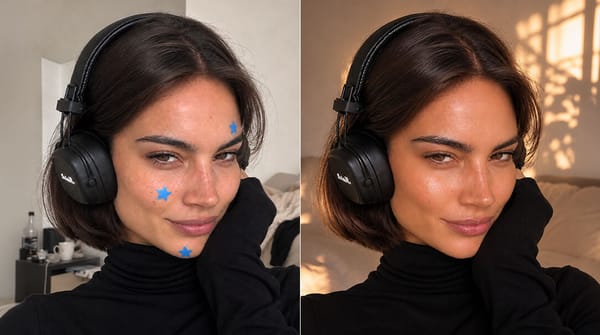
How to Remove Blemishes and Wrinkles From Photos
AI photo retouching apps automatically detect skin imperfections and smooth them with a single tap.